




Royalstiger Casino App
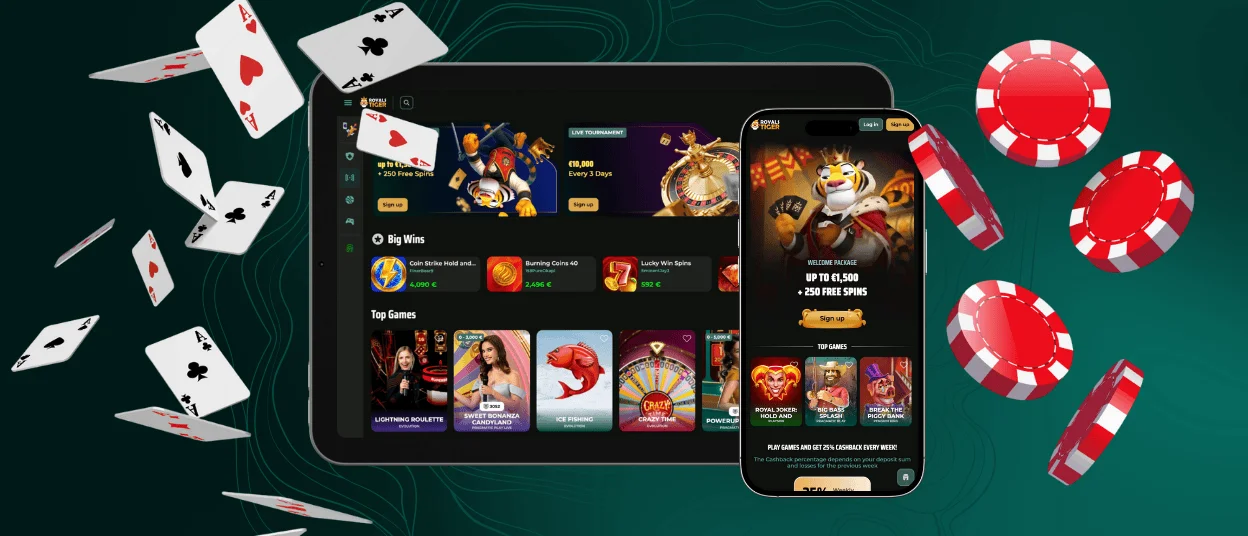
Royalstiger app gives you full access to the casino on Android and iOS through a mobile browser. You use the same account as on desktop, so your balance and profile data stay in one place.
The mobile version keeps the core sections familiar and adjusts the interface for touch control. The mobile layout keeps the menu simple and the buttons easy to use with touch. Game tiles stay readable on smaller screens. Royals Tiger keeps favourites and active offers linked to your profile, so you can switch devices and continue without losing track.
For faster access, Royalstiger also offers a PWA (Progressive Web App) option. It creates an app-style shortcut on your home screen and opens the casino in one tap, without a store download. The PWA uses the web version, so it stays updated through the site.


Key Mobile Features of the Royalstiger app
Royalstiger mobile focuses on practical control from a small screen. The layout keeps the main menu compact and places key buttons where they are easy to reach with your thumb. Game tiles stay large enough to read without zooming, which reduces wrong taps during browsing. Royals Tiger also keeps pages lightweight, so the lobby stays responsive on common mobile connections.
Mobile play also supports short sessions. The interface remembers where you stopped and helps you return to the same section after you reopen the app view. You can switch between portrait and landscape mode, and the content adjusts to the screen position without breaking the layout.
| Mobile feature | What it does on your phone | Why it matters |
| Home-screen shortcut | Opens the casino from an icon, without searching in the browser | Saves time when you start a short session |
| App-style view | Uses a focused screen with fewer browser elements | Keeps more space for the lobby and game window |
| Quick resume | Returns you to the last page you used | Reduces extra taps after reopening |
| Touch-first navigation | Keeps buttons spaced and readable on a small screen | Helps you browse and use menus more accurately |
| Easier payment approval | Lets you confirm a card or wallet step on the same device | Keeps the payment flow in one place |
Royalstiger App for Android
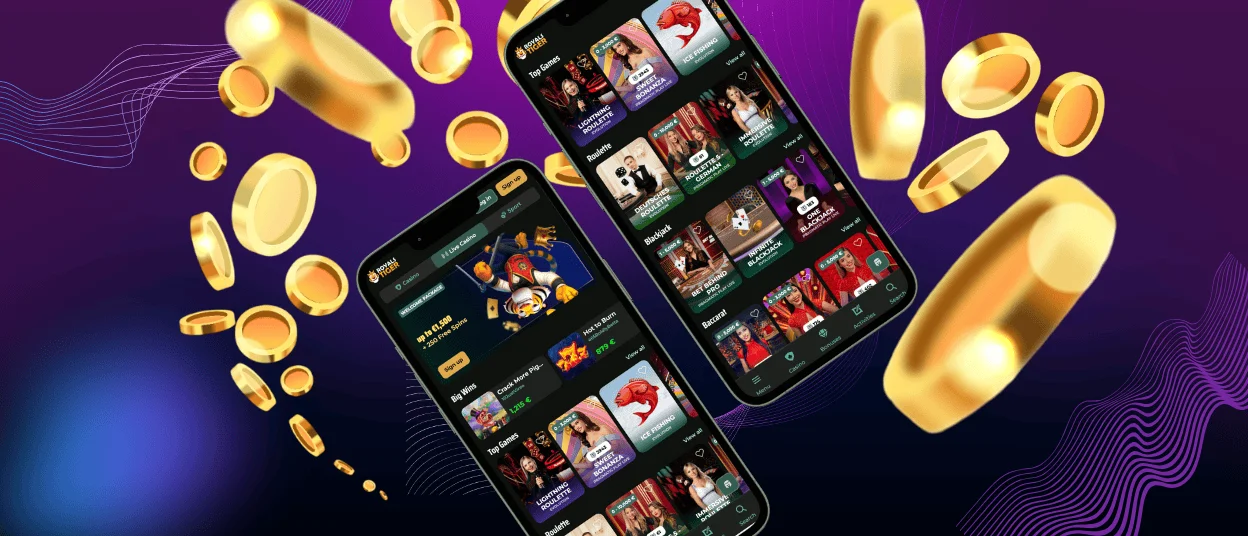
Royalstiger works on Android directly in your mobile browser. You can add it to your home screen and open the casino from an icon, which gives quick access without an app store download. Royals Tiger uses the same account as desktop, so your balance, favourites, and active offers stay linked to one profile. The mobile version updates through the website, so you do not need a separate APK for normal use.
Add Royalstiger to your Android home screen:
- Open the official Royalstiger website in Chrome or another modern browser
- Tap the three-dot menu
- Choose Install app or Add to Home screen
- Confirm the shortcut name
- Launch the casino from the new icon
Use the install option only when you open the official site yourself. Avoid third-party “app files” and copied download links. Keep Android and your browser updated and log out after play on shared devices.
Royalstiger App for iOS
Use Royalstiger on your iPhone or iPad straight from Safari and keep the same account you use on desktop. You do not need an App Store install. The mobile layout keeps controls touch-friendly and the lobby stays readable on smaller screens.
Royals Tiger also supports a PWA (Progressive Web App) option on iOS. This adds an icon to your Home Screen and opens the casino in an app-like window with fewer browser elements. The shortcut stays connected to the web version, so it updates through the site.
Add Royalstiger to your Home Screen on iOS
- Open Royalstiger in Safari
- Tap the Share icon
- Choose Add to Home Screen
- Tap Add to save the icon
Royalstiger on Windows and macOS
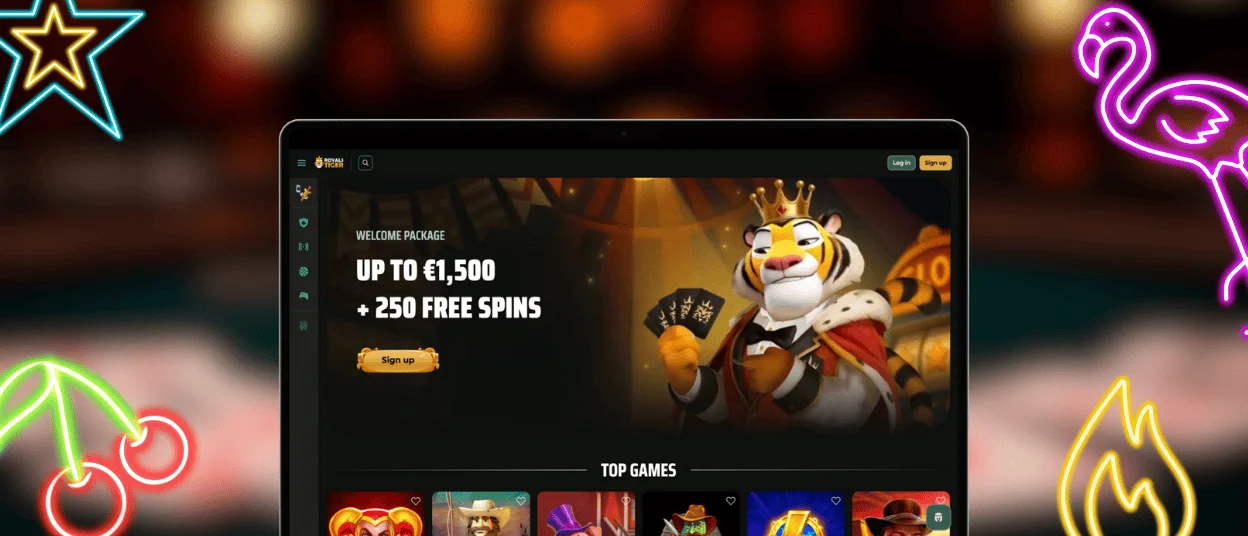
Royalstiger runs on Windows and macOS through modern browsers, so you do not need to install a separate desktop program. Use an up-to-date Chrome, Edge, Firefox, or Safari to keep the lobby, account tools, and cashier working smoothly. The desktop layout also gives you more space, so you see more game tiles at once and use filters with a mouse without constant scrolling.
Desktop play suits longer sessions and detailed browsing. You can keep several tabs open, for example the lobby, promotions, and your profile, and switch between them quickly. Live games also feel clearer on a larger screen because streams and table details stay easier to follow.
If you prefer one-click access, create a shortcut from your browser and open Royalstiger in a separate window. On Windows, you can place the icon on the desktop or pin it to the taskbar. On macOS, you can keep it in the Dock or on the desktop, depending on how you like to launch websites.
Frequently Asked Questions (FAQs)
What is the Royalstiger PWA (Progressive Web App), and how is it different from a normal app store download?
Royalstiger uses a PWA (Progressive Web App) format, which means the casino runs as a website but can open from a home-screen icon like an app. You do not download it from the App Store or Google Play, and you do not install a separate program on your phone. The PWA keeps one account across devices and updates through the web version, so you always use the current mobile build without manual app updates.
Which browsers work best for the Royals Tiger mobile version?
For iOS (iPhone/iPad), Safari gives the most stable setup for the mobile version and for adding the shortcut to the Home Screen. Some iOS features, including the Home Screen install option, may not appear when you open the site inside another app’s built-in browser.
For Android, Chrome works best in most cases. Edge also works well because it uses the same base technology on many devices. Keep your browser updated to avoid loading issues and to keep security checks working correctly.
Do games load faster when I use the shortcut compared to a normal browser tab?
The shortcut does not change the Royalstiger platform, so it cannot make games “faster” by itself. What it can do is save time when you start a session, because it opens straight from the Home Screen and often keeps basic files in memory. Many games will load about the same in a normal tab and in the shortcut, especially the first time. If you cleared your browser data or use private mode, loading can take longer until the browser saves the files again.
Can I enable Face ID, Touch ID, or fingerprint login for Royalstiger?
Royalstiger does not control Face ID or fingerprint login directly. Your phone enables this through the browser password manager. If you save your login in Safari (iCloud Keychain) or Chrome (Google Password Manager), your device can ask for Face ID, Touch ID, or fingerprint confirmation before it fills your details.
If you do not want this, do not save the password in the browser and log in manually. Use a screen lock on your phone and log out after play on shared devices.
Can ad blockers or VPN settings break game loading on the Royalstiger mobile site?
Yes. Ad blockers and strict tracking blockers can stop game scripts, pop-ups, or payment confirmation pages from loading correctly. A VPN can also cause issues because it changes your location and network route, which may affect which games, payment methods, or checks you see. It can also trigger extra security steps if the system detects unusual access.
When a game fails to open, the cause often sits in browser filters or network settings. Turn off your ad blocker for Royalstiger or add the site to the allowlist, then refresh the page. If you use a VPN, disable it and try again. If loading still fails, switch between Wi-Fi and mobile data, test another browser, and contact support with the game name plus a screenshot of the error.


